 UNICORN WHO DEV
From Hugging Face to Hugging Face.
Import a source, make your decisions in Cadryl and publish a prepared dataset to the destination you choose.
Import the source
Choose a repository, configuration and split, or use a JSONL manifest. Private sources require authorised access.
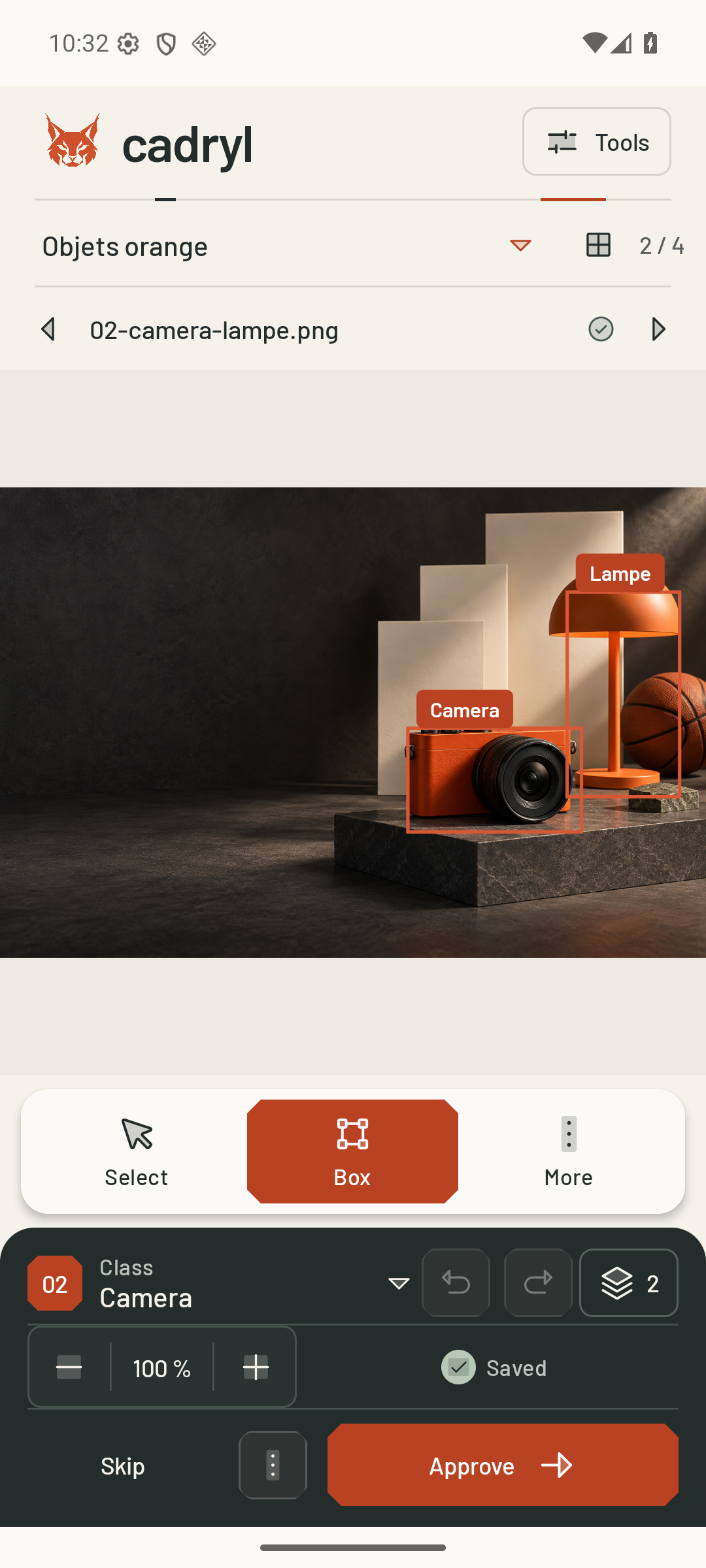
Annotate in the studio
The local batch brings together the images you need. Adjust annotations and approve or reject each case.
Prepare the formats
JSONL retains complete annotations. COCO, YOLO, WebDataset and vision–language serve different uses.
Publish and retain
Explicitly select the destination repository and branch. Cadryl checks the read-back copy before cleaning up local images.
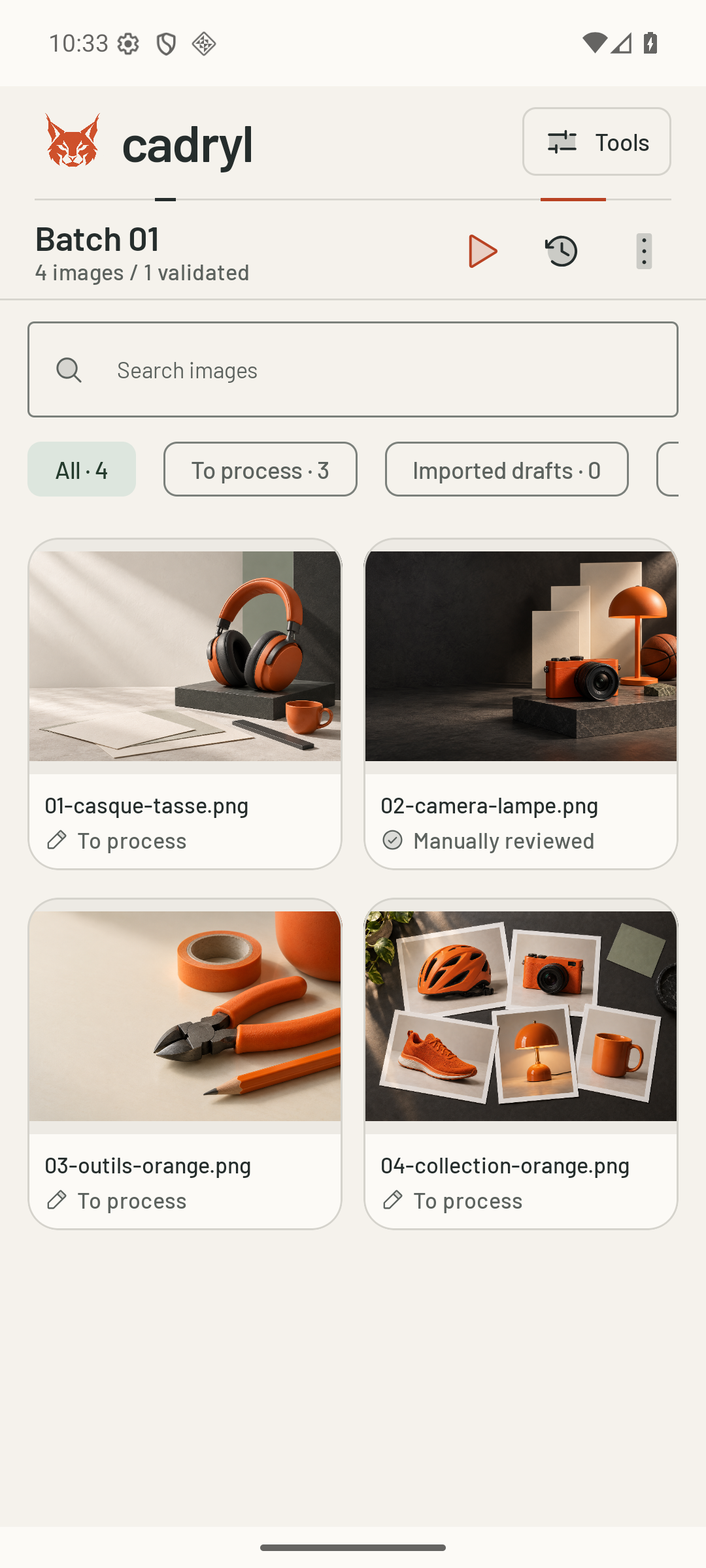
The path of one case.
From source image to published copy, every step has a purpose.
- 01
HF source
The repository, configuration and split define the images to import.
- 02
Cadryl batch
The useful image is copied into the local working batch.
- 03
Human decision
Adjust the annotations, then approve or reject the case.
- 04
Prepared dataset
JSONL retains the case; selected formats project its annotations.
- 05
HF destination
Explicit publication to the chosen repository and branch, with an expected parent.
- 06
Checked copy
Published files are read back before local cleanup is allowed.
- 07
Next step
Keep the images, train a compatible model or confirm cleanup.
Stay in control.
A conflict stops publication. Cadryl never silently moves the HF parent. Annotations and the copy receipt remain protected.
Support