 UNICORN WHO DEV
Images at the centre. Tools within reach.
Annotate, adjust and approve your collection in a workspace made for images.
01
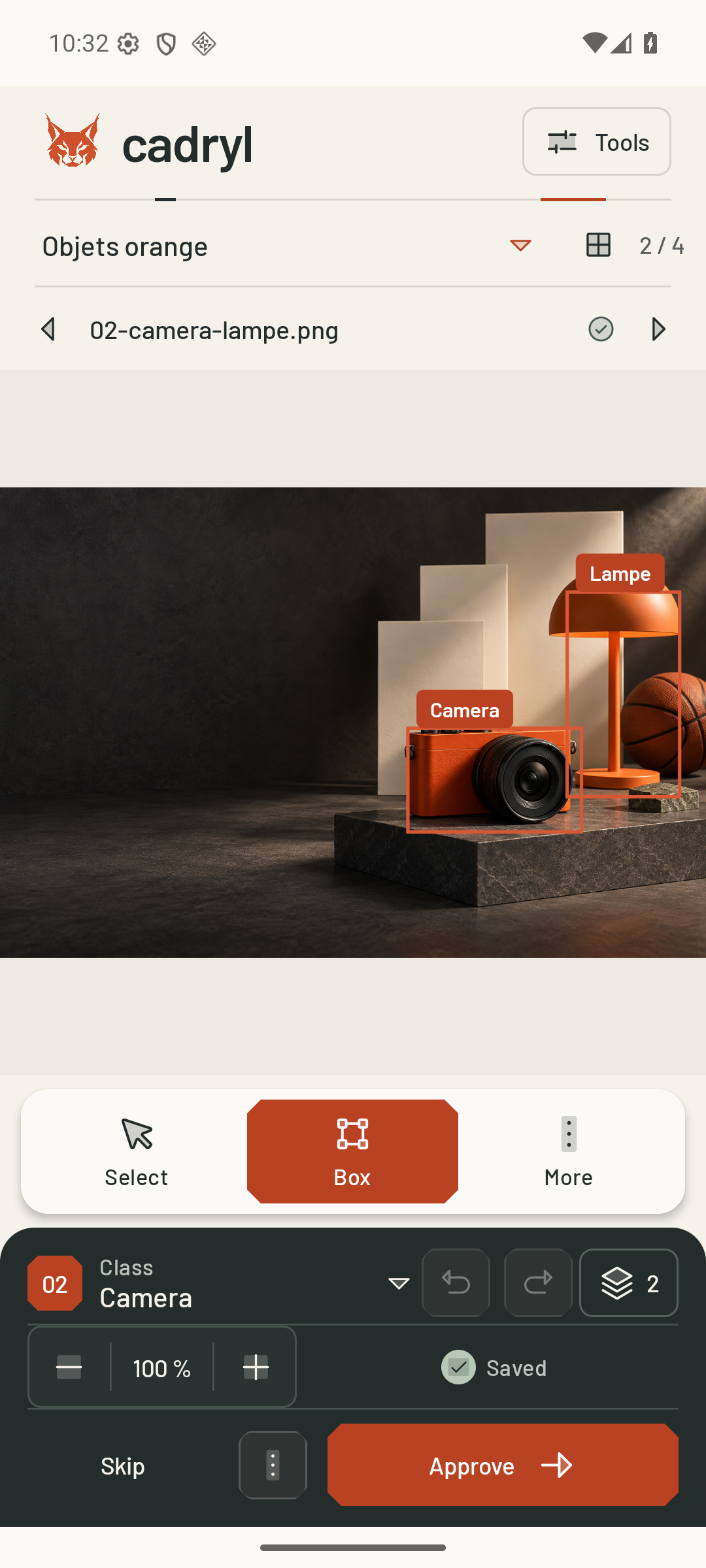
Draw and adjust
Boxes, points and masks according to your project tasks. Choose a class, adjust precisely and undo a correction.
02
Add context
Captions, classifications, questions and answers, counts and text–region relationships enrich each case.
03
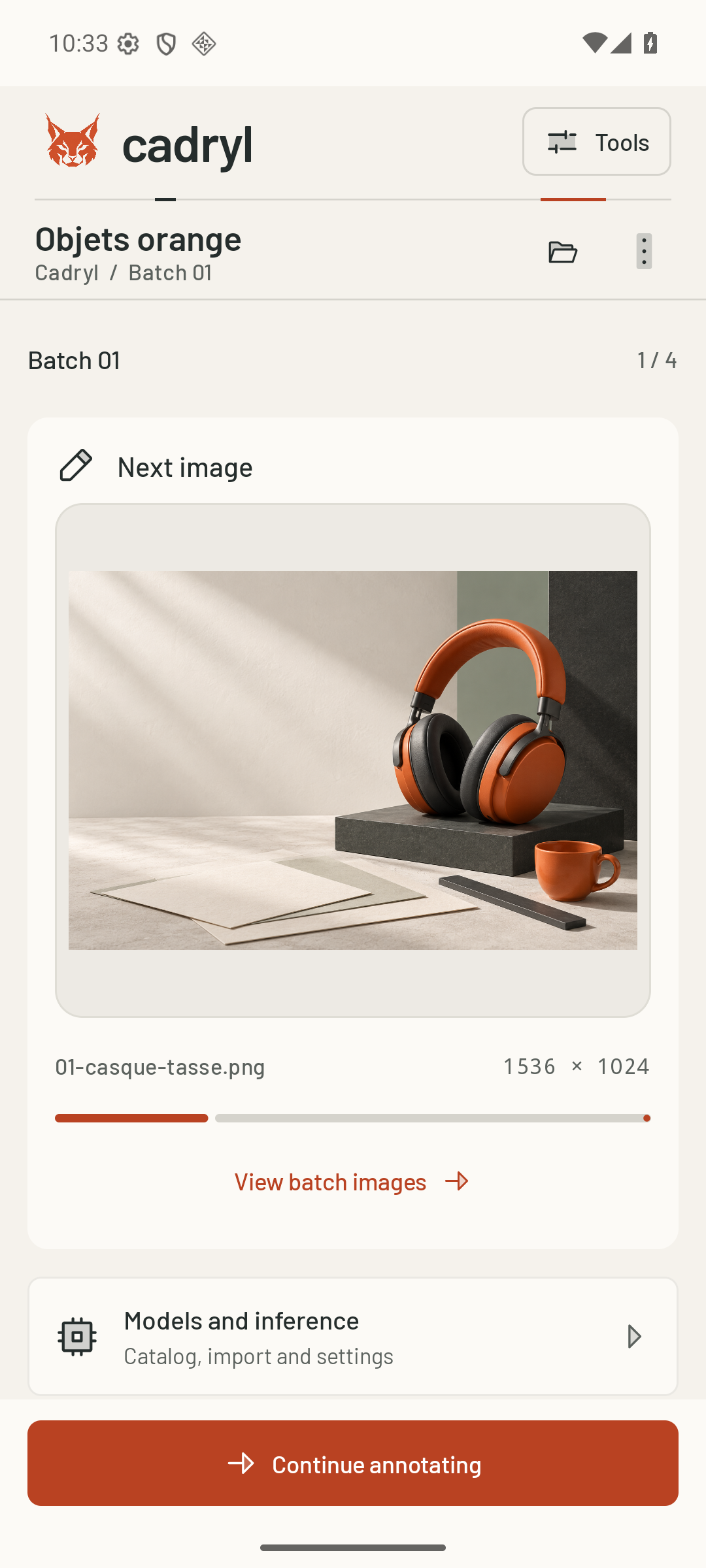
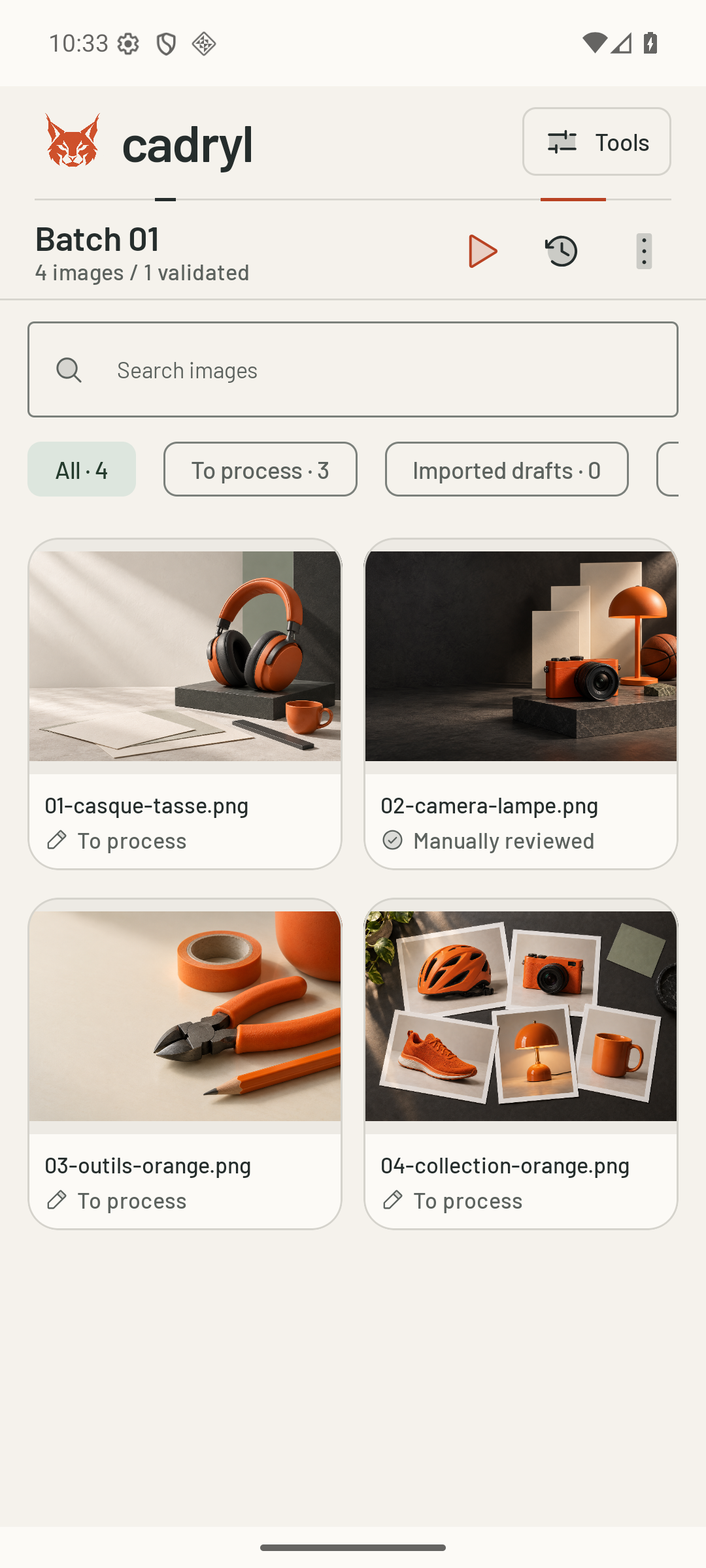
Work through a batch
Move between image and batch review. Approve is enough; there is no separate reviewed checkbox for each annotation.