RiggerDroid
Animation
Your character. Your motions.
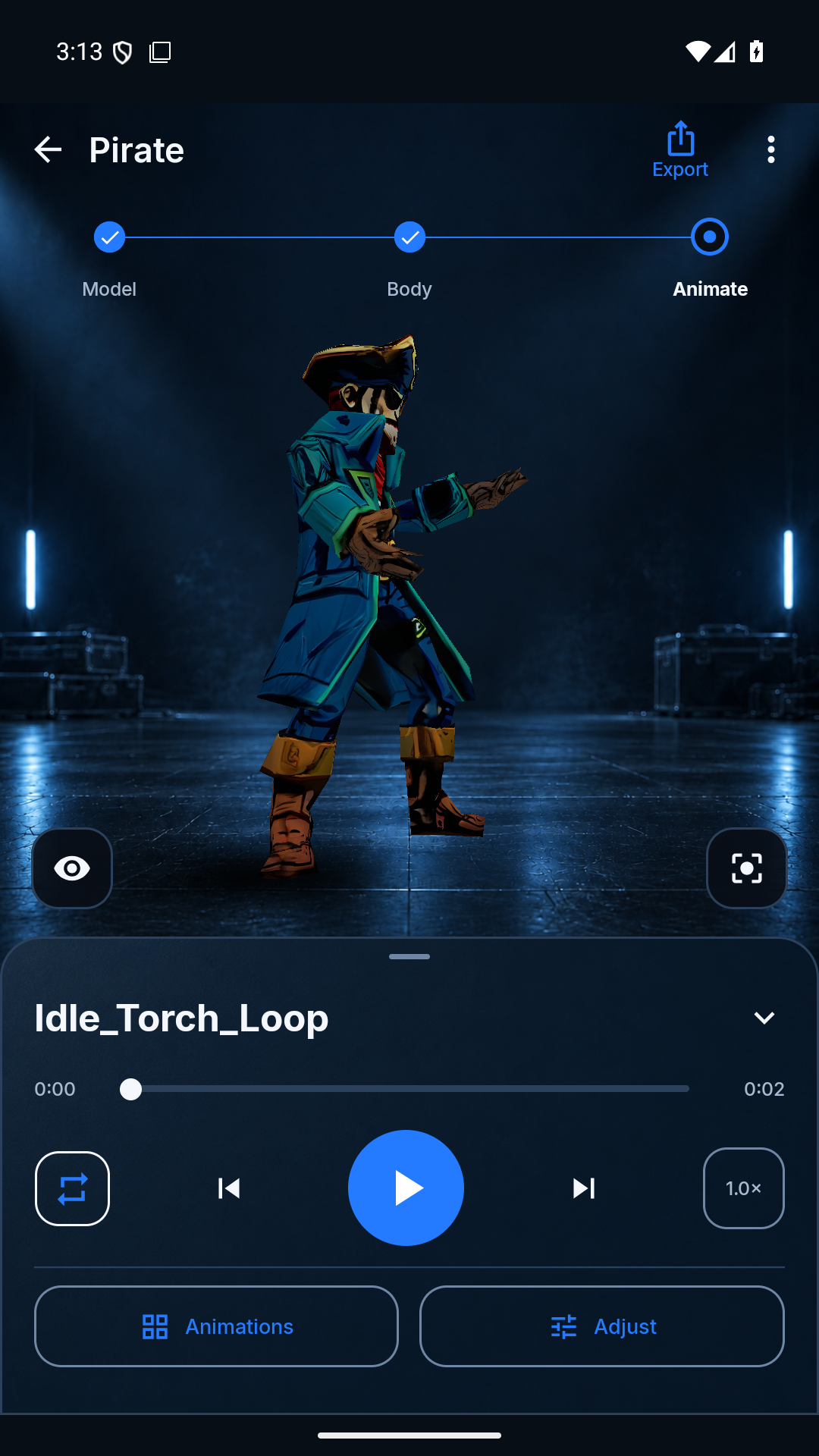
Import a compatible animation, map the joints and watch the motion on your character, in one studio.
Import clips
Choose a GLB animation or a ZIP of GLBs. Convert FBX and BVH files beforehand.
Adapt and inspect
Retargeting connects the skeletons. Scrub through the clip, slow playback and inspect important poses.
Adjust precisely
Correct the torso or a joint, across the whole clip or at a chosen moment. Approve the result before exporting.
Loading a clip does not automatically approve it. Check contacts, balance and deformation in the animations you intend to use.