RiggerDroid
Exports
From your phone to your creation.
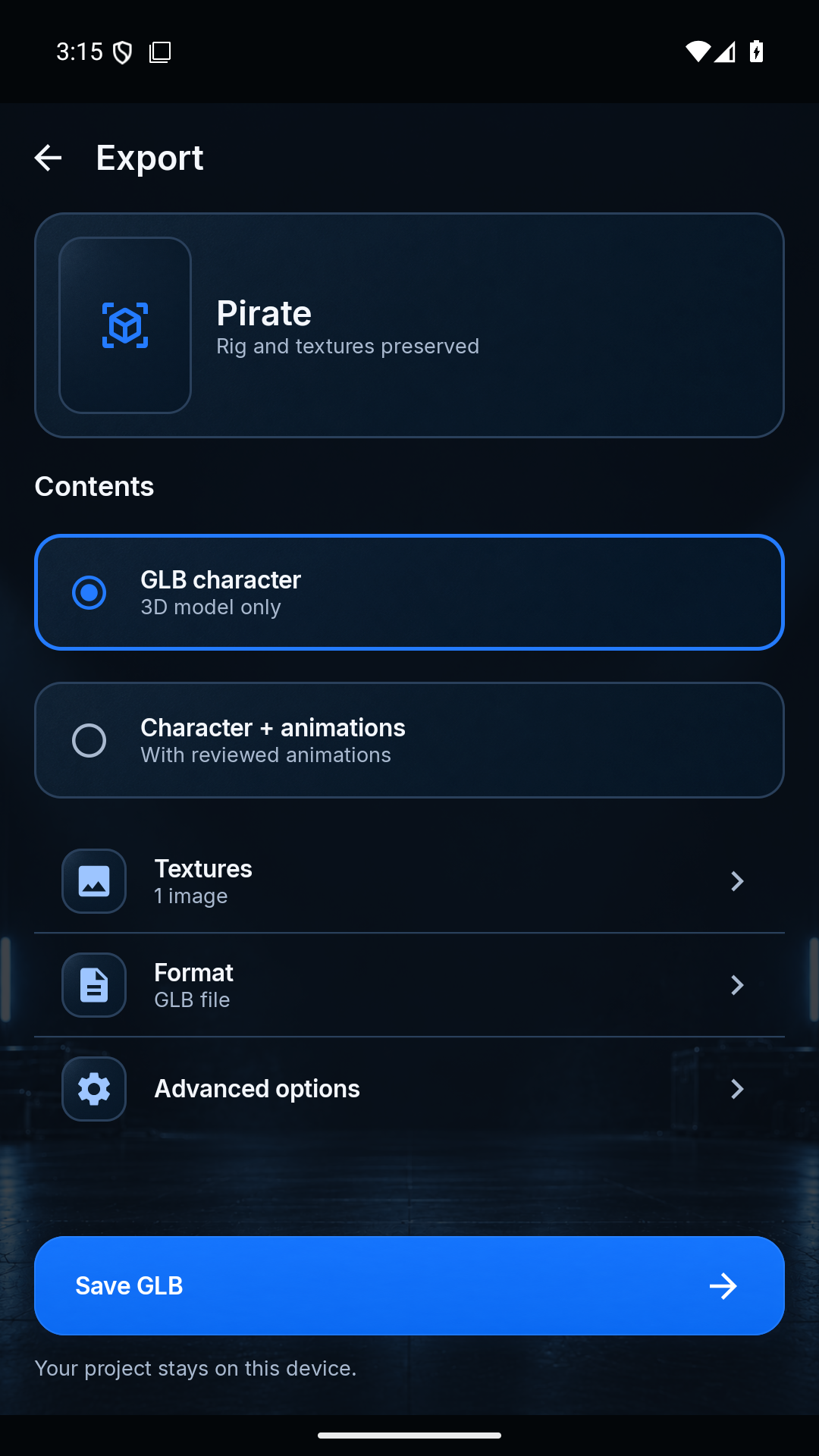
Save your rigged character and selected animations to the location you choose. Keep a copy for the next step in your project.
Choose the result
Review the character, textures and approved clips. Working copies preserve your original files.
Prepare the files
Export GLB 2.0 or prepare a ZIP for Unity or Unreal with resources and import instructions.
Continue elsewhere
Save the export with the Android file picker. Then check the import in your own environment.
Unity and Unreal packages help with integration; they do not certify your scene or project in those engines. Back up exports before uninstalling.